How to Verify Your ID on JD Wild After Registration
Why JD Wild Asks for ID Verification
After you complete JD Wild register and create your account, the platform will ask you to verify your identity before you can make a withdrawal. This is a standard security step at online casinos and sportsbooks in the Philippines.
JD Wild uses ID verification to confirm two things: that you are at least 21 years old, and that the account belongs to you. This process helps prevent underage gambling, protects your account from unauthorized access, and meets regulatory requirements for online gaming platforms.
You can usually deposit and play immediately after signing up, but you will not be able to withdraw winnings until your ID is approved. Completing verification early—ideally right after you JD Wild login for the first time—saves time later when you want to cash out.
21+ only. JD Wild is restricted to players aged 21 and over. If you are under 21, you are not eligible to register or play.
Accepted ID Types in the Philippines
JD Wild accepts three main forms of government-issued identification from Filipino players:
- Philippine passport – The biodata page showing your photo, full name, date of birth, and passport number.
- Driver's license – A valid Land Transportation Office (LTO) driver's license with your photo and details clearly visible.
- National ID (PhilSys ID) – The Philippine Identification System card, also known as the national ID, with your photo and personal information.
All three types are equally accepted. Choose whichever document you have on hand and can photograph clearly. The ID must be current and not expired. If your driver's license or passport has passed its expiration date, use a different valid ID instead.
JD Wild may also accept other government-issued IDs, such as a Unified Multi-Purpose ID (UMID), Postal ID, or Voter's ID, but passport, driver's license, and national ID are the most commonly requested and fastest to process.
Make sure the name on your ID exactly matches the name you entered when you registered your JD Wild account. Mismatched names can delay or block approval.
Step-by-Step Photo Upload Process on Mobile
Most JD Wild players use Android phones, and the platform is designed for mobile-first verification. Here's how to upload your ID step by step:
1. Log in to your JD Wild account
Open the JD Wild site on your mobile browser or app (if you have downloaded the APK). Tap the login button and enter your registered mobile number or email and password.
2. Navigate to the verification section
Once logged in, look for a menu icon (usually three horizontal lines) in the top corner. Tap it, then find the Account, Profile, or Verification section. The exact label may vary, but it is typically easy to spot.
If JD Wild prompts you to verify your identity immediately after your first JD Wild login, you may see a pop-up or banner with a direct link to the upload page.
3. Select the type of ID you will upload
On the verification page, you will see a dropdown or button list of accepted ID types. Tap the option that matches the document you are using—passport, driver's license, or national ID.
4. Take or upload a photo of the front of your ID
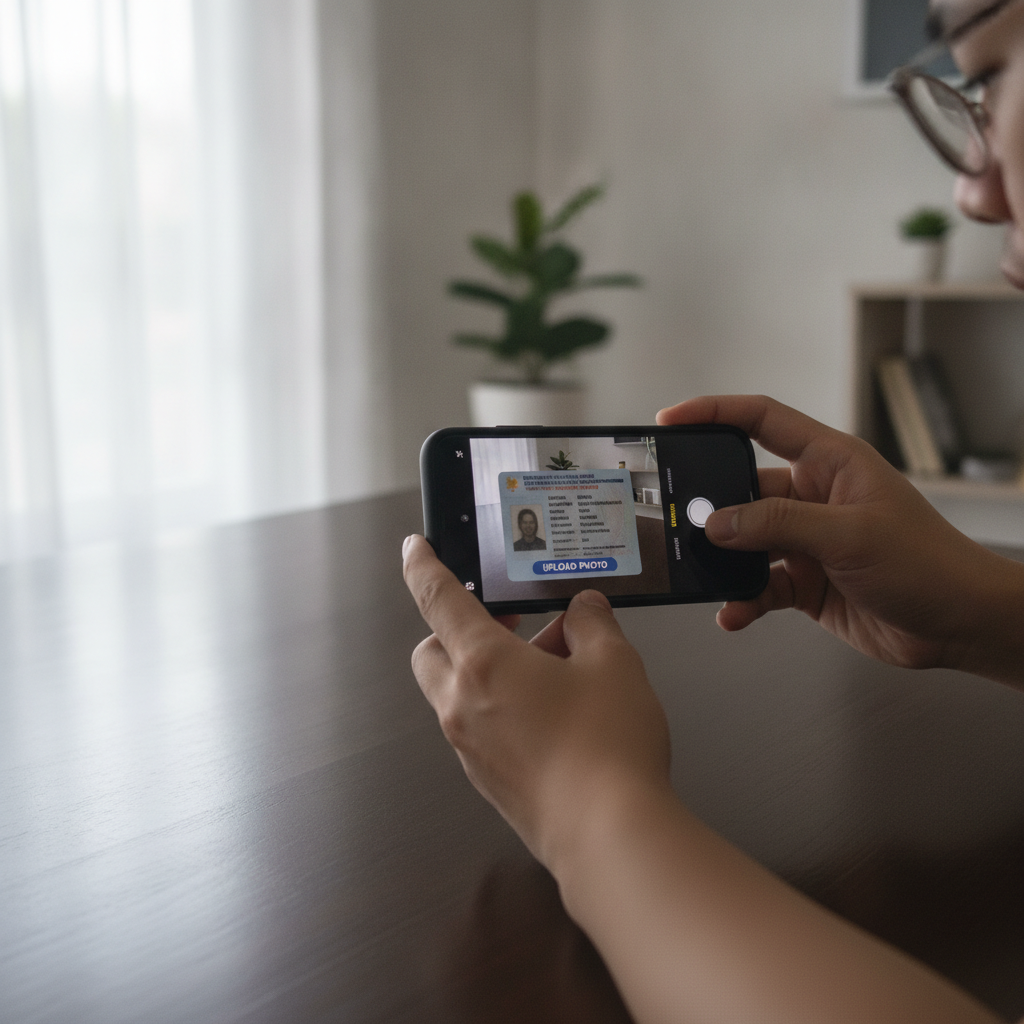
Tap the Upload or Take Photo button. You can either snap a new photo with your phone's camera or choose an existing image from your gallery.
Photo tips for faster approval:
- Use good lighting. Natural daylight works best. Avoid shadows or glare on the ID.
- Place the ID on a flat, dark surface so the edges stand out clearly.
- Make sure all four corners of the ID are visible in the frame.
- Keep the photo sharp and in focus. Blurry images will be rejected.
- Do not cover any part of the ID with your fingers.
- Ensure the text, photo, and ID number are readable.
5. Upload the back of your ID (if required)
Some IDs, such as the driver's license and national ID, have important information on the back. If the platform asks for a back photo, repeat the same photo tips: clear, well-lit, all corners visible.
Passports typically require only the biodata page, so you may not need a second upload if you are using a passport.
6. Submit and confirm
After uploading both photos, review them to make sure everything is readable. Then tap Submit or Confirm. You should see a confirmation message that your ID has been received and is under review.
Some players receive an email or SMS notification confirming the upload. If you do not see a message, check the Account or Verification section of your JD Wild account to confirm the status.
How Long Verification Takes and What Happens Next
JD Wild typically reviews ID submissions within 24 to 48 hours on business days. In many cases, approval happens faster—sometimes within a few hours—especially if your photo is clear and your details match your registration information exactly.
During peak periods, such as weekends or holidays, verification may take slightly longer. If you have not heard back after two business days, you can contact JD Wild customer support through live chat or email to check the status.
If your ID is approved
You will receive a confirmation email or SMS, and your account status will update to Verified. After approval, you can make deposits and withdrawals without restrictions. Your first withdrawal request will process normally, usually within a few hours to one business day, depending on your chosen method (GCash, Maya, InstaPay, or PESONet).
If your ID is rejected
JD Wild will notify you by email or in-app message and explain the reason. Common reasons for rejection include:
- Blurry or unreadable photo – Resubmit with better lighting and focus.
- Expired ID – Use a current, valid document.
- Name mismatch – The name on your ID must match your registered account name exactly. If you made a typo during JD Wild register, contact support to update your account details.
- Incomplete upload – Make sure you uploaded both the front and back if required.
You can usually resubmit a new photo immediately. Follow the same steps and apply the photo tips above to improve your chances of approval.
21+ Only: Accurate Info Speeds Up Approval
JD Wild is restricted to players aged 21 and over. The platform will reject any ID showing a birthdate that proves the account holder is under 21. Attempting to use someone else's ID or falsify information is prohibited and will result in account suspension.
The fastest way to get verified is to provide accurate, matching information:
- Use the same full name you entered during registration.
- Double-check that your birthdate, mobile number, and other profile details are correct.
- Upload a clear, current, government-issued ID.
Once verified, you will not need to repeat this process unless JD Wild requests updated documents in the future (for example, if your ID expires or if you change your registered details).
Play responsibly. Set a budget for your deposits and stick to it. Online casino games and sports betting are for entertainment, not a way to make money. If you feel you are spending more than you can afford or gambling is affecting your daily life, seek help from a trusted friend, family member, or a professional support service.
Summary
Verifying your ID on JD Wild is a simple, one-time step that protects your account and allows you to withdraw winnings smoothly. The process takes only a few minutes on your mobile phone: choose an accepted ID (passport, driver's license, or national ID), upload clear photos of the front and back, and submit for review.
Approval usually happens within 24 to 48 hours. Make sure your ID is current, your photos are sharp and well-lit, and the name matches your registered account. Completing verification right after you JD Wild login for the first time will save you time when you are ready to cash out.
21+ only. Accurate information speeds up approval and keeps your account secure.